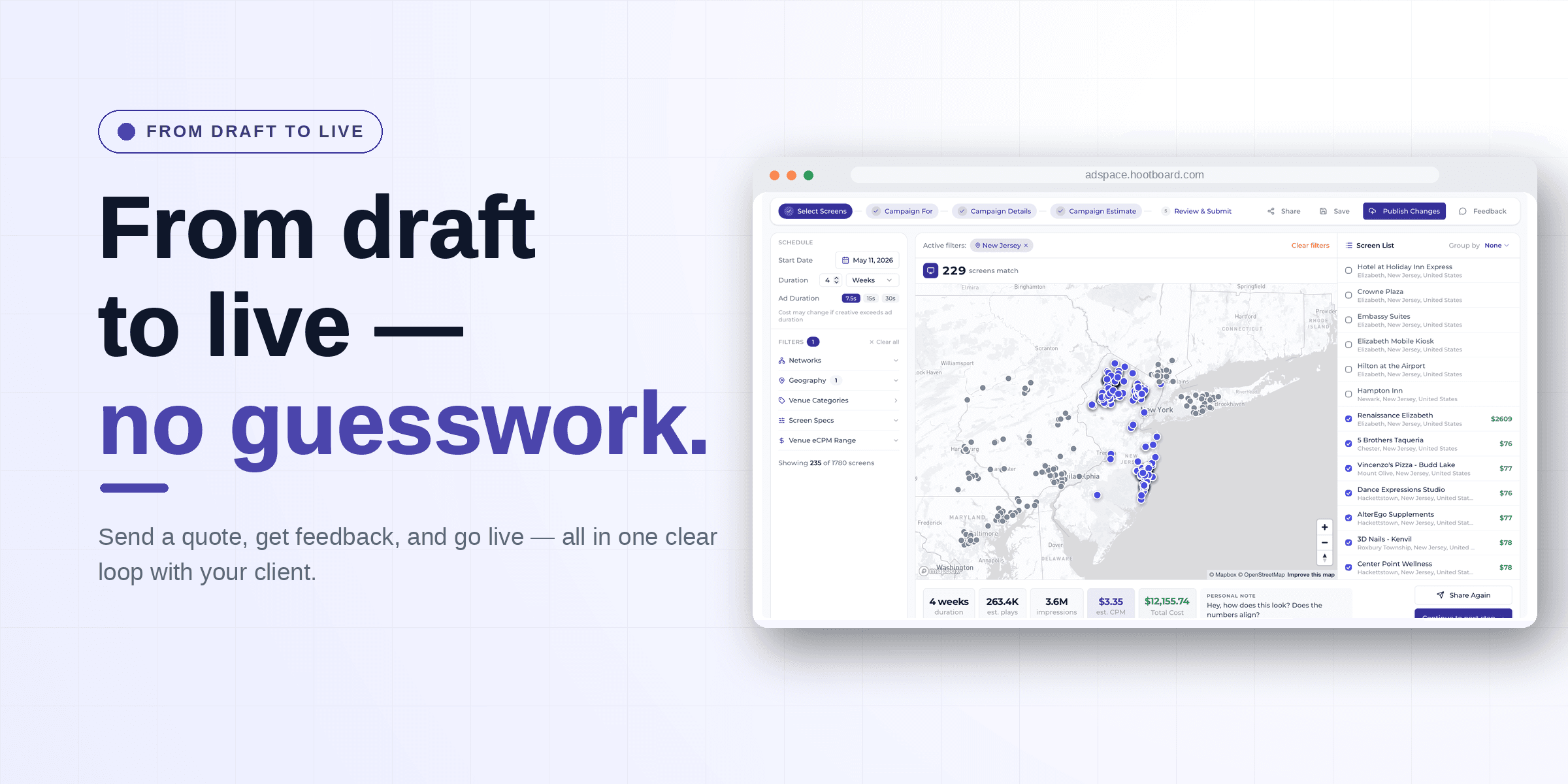

A network can hold thousands of screens, and the right ones for your campaign are a small slice of that. The difference between a sharp campaign and a wasteful one is how quickly you get from "everything" to "exactly these." AdSpace gives you a deep set of filters built to do that — so however you think about your audience, there's a filter that gets you straight there.
Six ways to narrow the network
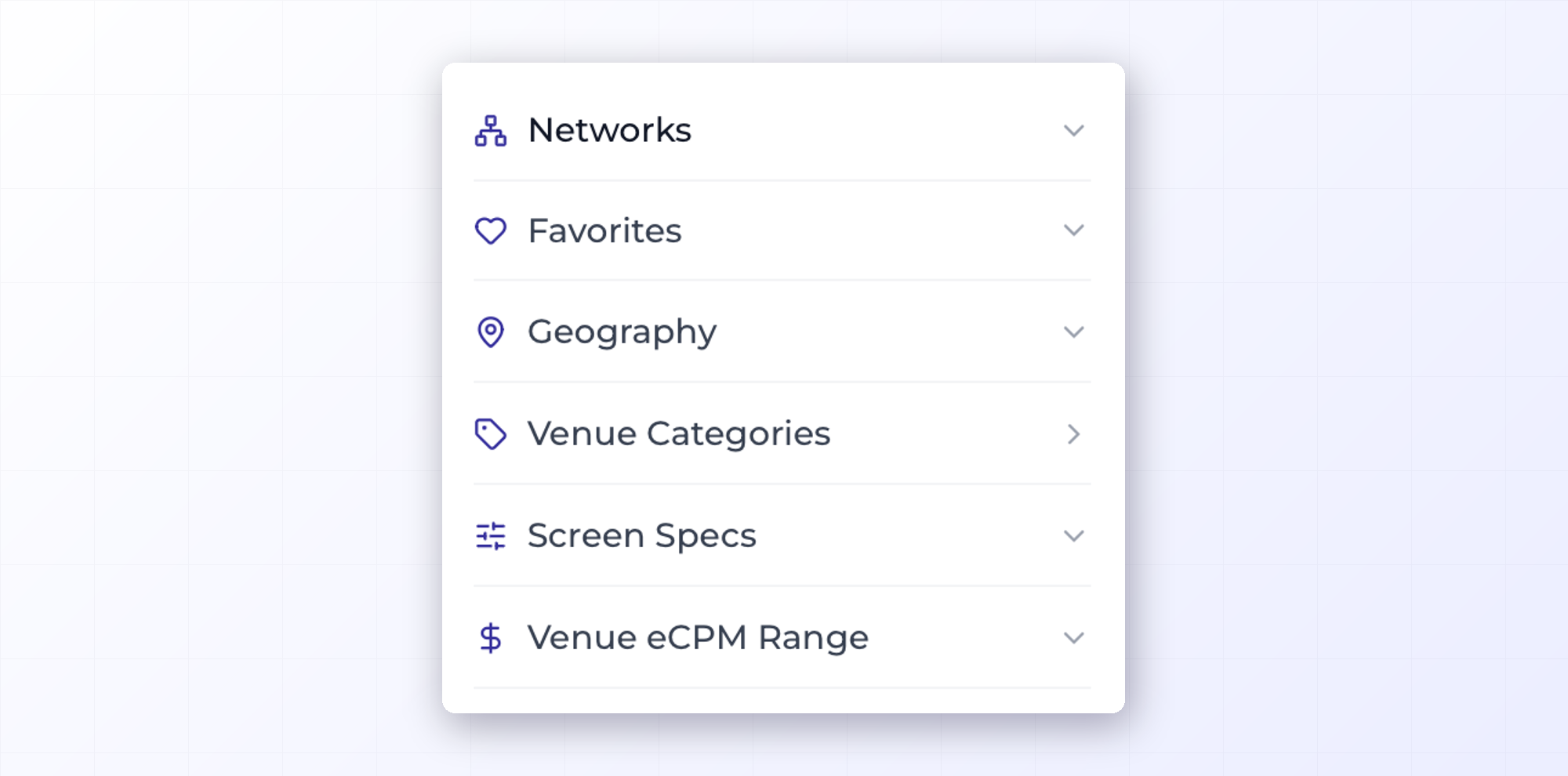
You can filter the available screens by:
- Networks — start from a specific network of screens.
- Favorites — jump straight to the screens you've saved from past campaigns.
- Geography — target by location, from a whole state down to a single block.
- Venue Categories — the kind of place a screen lives in.
- Screen Specs — screen type, orientation, and resolution.
- Venue eCPM Range — filter by price, so you stay on budget.
The filters stack, update instantly, and show how many are active at a glance — so you can combine "gyms in this ZIP, portrait screens, under this price" and watch the list narrow to just those.
Geography, from a whole state to a single ZIP
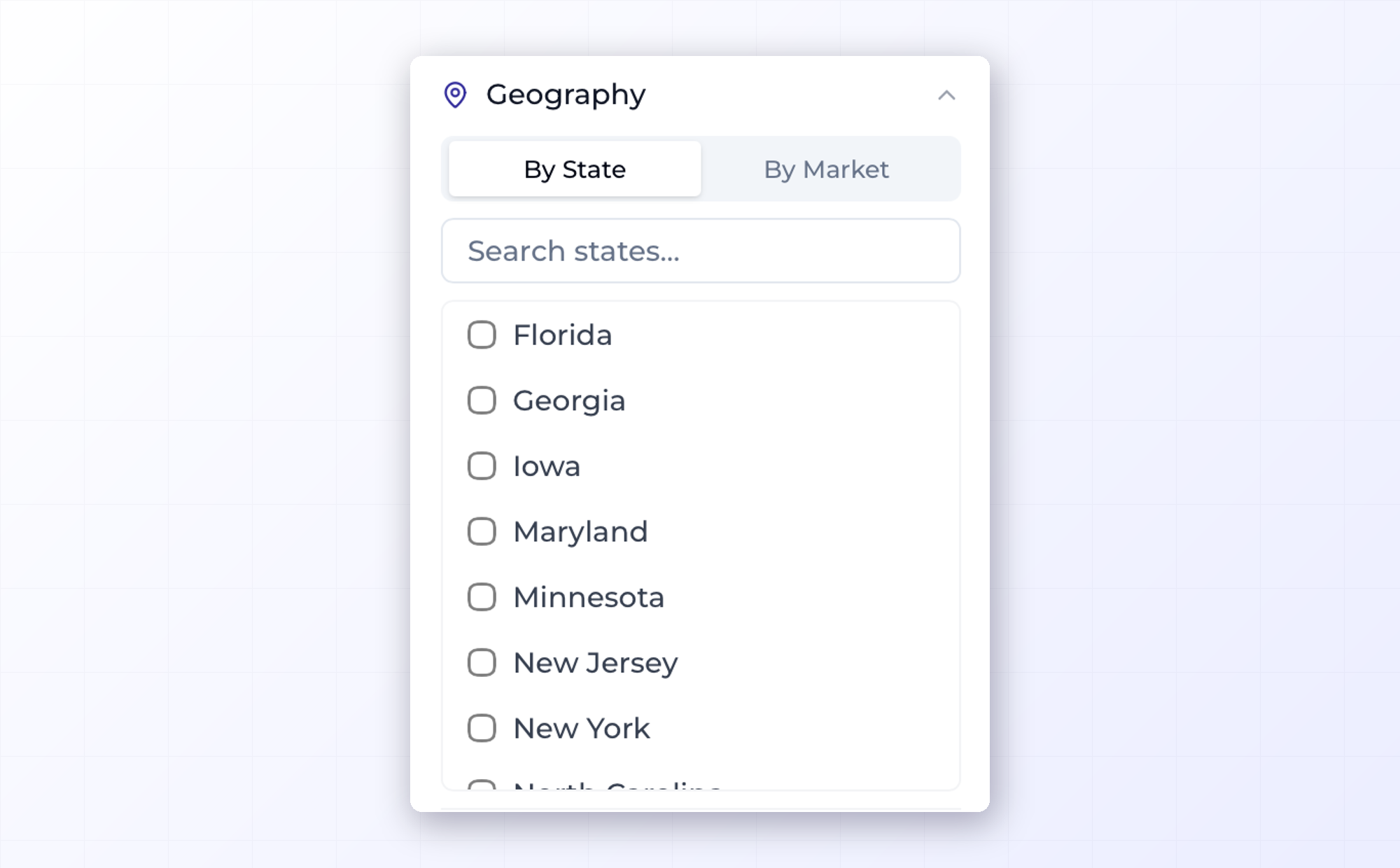
Location is usually where targeting starts, so AdSpace gives you room to be as broad or as precise as you need. Work at the state or market level when you're thinking in big strokes — a whole metro, a region. Then drill down to city, county, and ZIP code when you want your ad on the exact blocks that matter.
That range is what makes a campaign genuinely hyperlocal. You're never stuck choosing between "the whole state" and nothing — you can reach one neighborhood as easily as a region.

Match the venue, not just the map
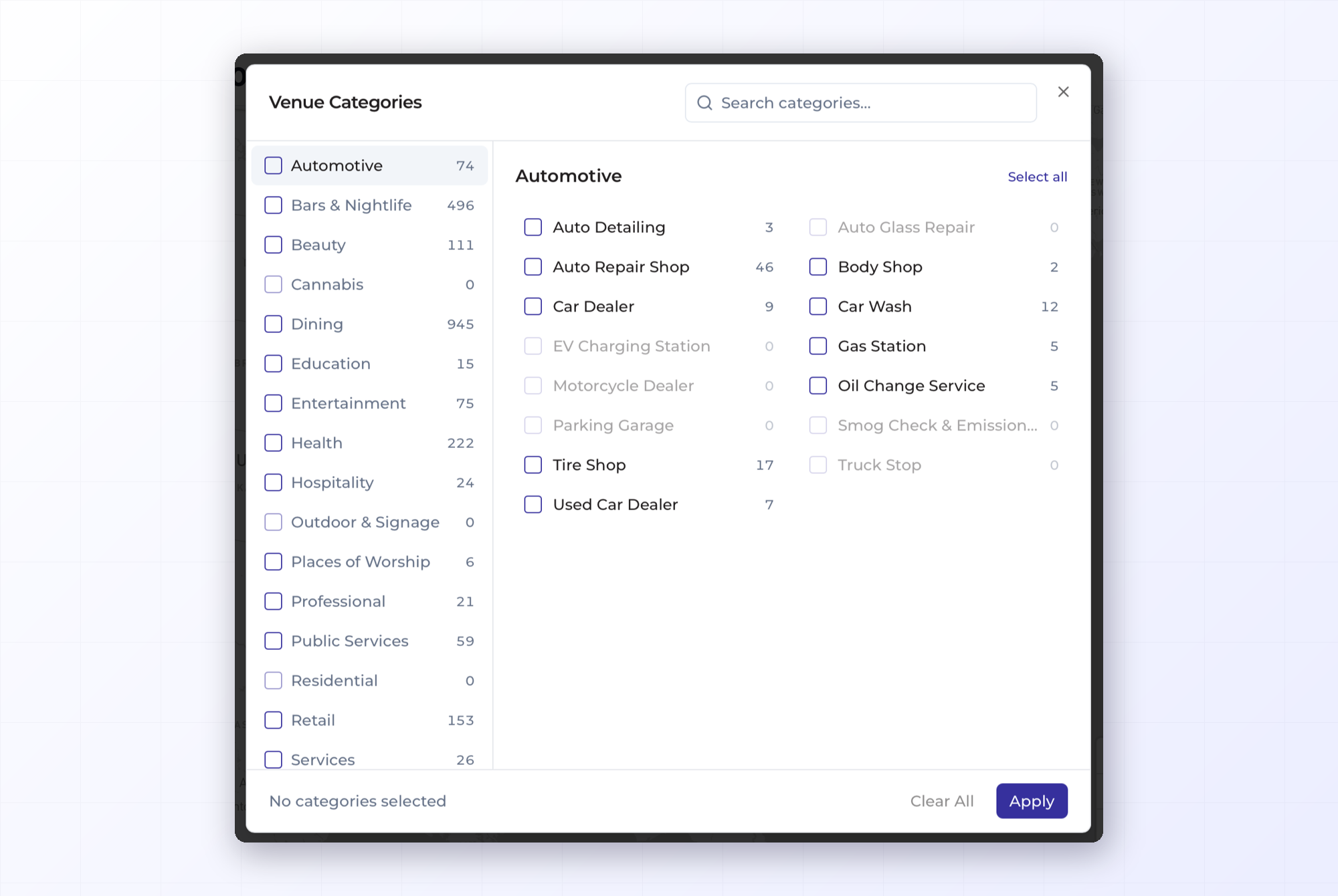
Where a screen sits matters as much as where it is. The Venue Categories filter lets you choose the kinds of places your ad shows up — a gym, a restaurant, a retail floor, a hotel lobby — so your message lands where your audience already is. A fitness brand can put itself in gyms; a lunch spot can target nearby offices. You pick the categories that fit, and the irrelevant screens drop away.
Filter by price with the eCPM range
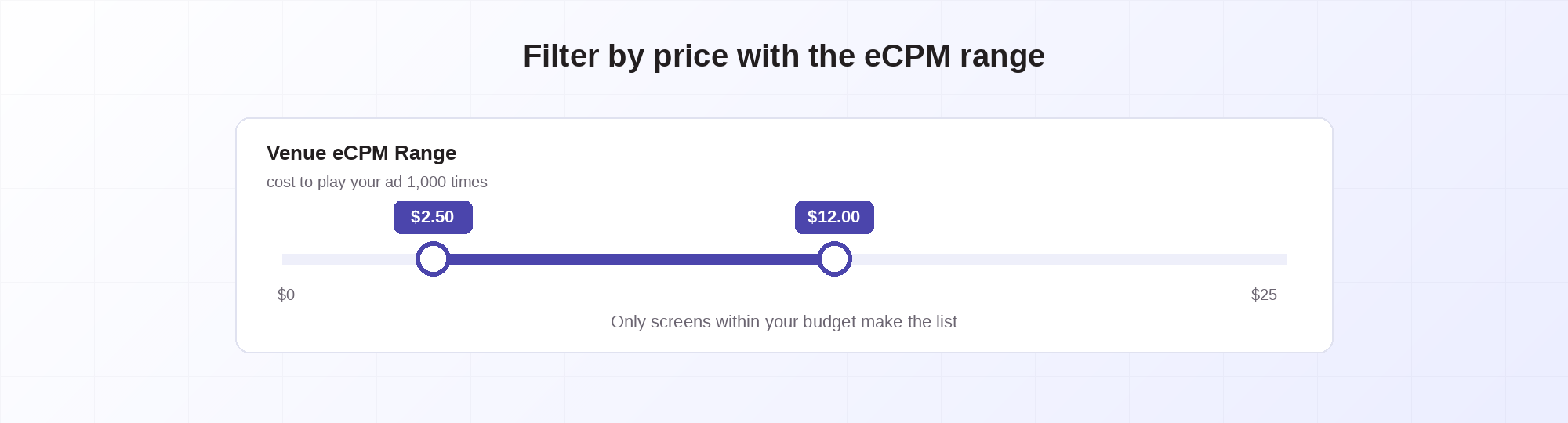
This is the filter that keeps a campaign on budget, and it's worth understanding. Venue eCPM is the cost to play your ad a thousand times on a screen — a simple, apples-to-apples way to compare what different screens cost. The Venue eCPM Range filter lets you set a floor and a ceiling, so you only ever see screens that fit what you're willing to spend.
It changes how you build a campaign. Instead of picking screens and hoping the total lands where you want, you set your price range up front and every screen you see is already within budget. Want premium, high-traffic placements? Slide the range up. Stretching a smaller budget across more screens? Slide it down. The eCPM range puts cost in your hands from the first click, not as a surprise at the end.
Group your results how you think about them
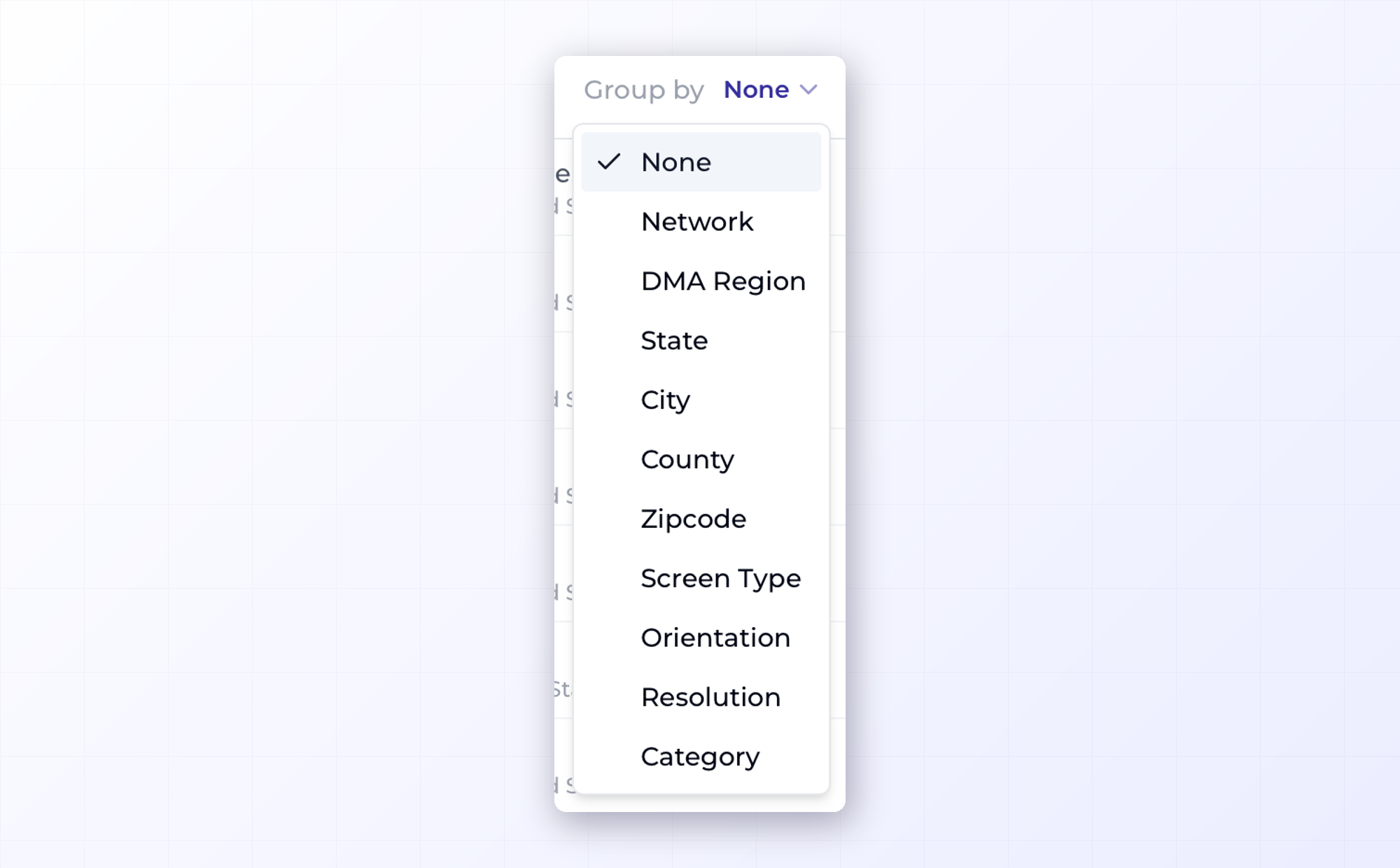
Filtering narrows the list; grouping organizes it. Once you've got your screens, you can group them by the dimension that matters to you — network, DMA region, state, city, county, ZIP code, screen type, orientation, resolution, or category. Reviewing a big buy by market? Group by DMA region. Checking coverage by venue? Group by category. Want to see how your portrait and landscape screens split? Group by orientation. It's the same set of screens, organized the way that makes them easiest to read — so a long list becomes something you can actually scan and reason about.
From the whole network to your shortlist
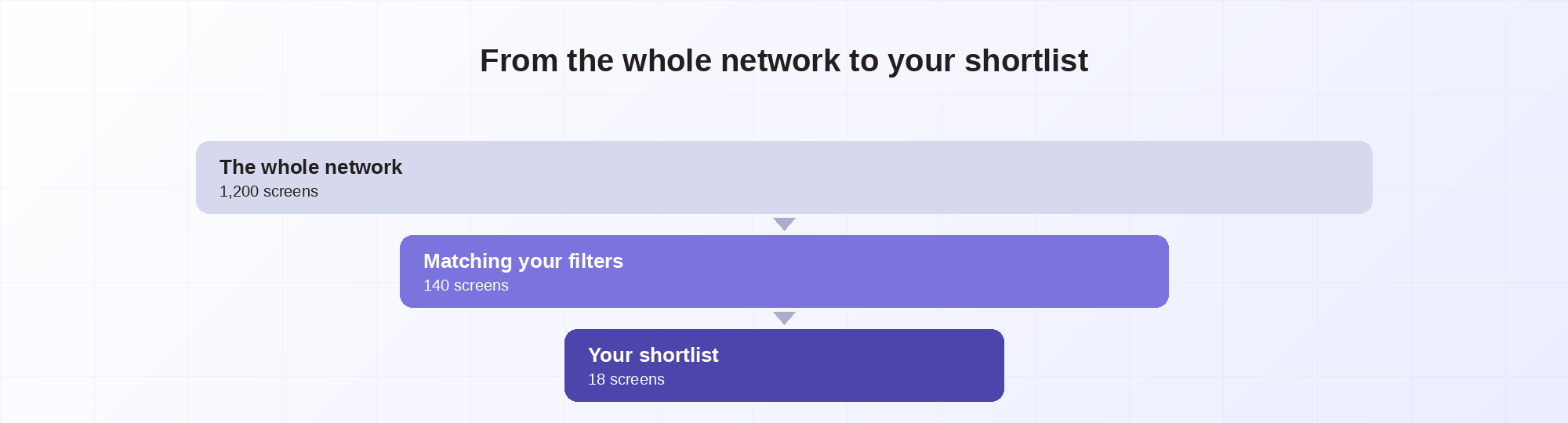
Combine a few of these and a sprawling network collapses into a tight, relevant list — the screens that fit your place, your audience, and your budget. Filter first, then book with confidence, knowing every screen on your list earned its spot.